
Search Minnesota Court Docket Records
Minnesota court docket records are public documents you can search online or at any District Court in the state. The Minnesota Court Records Online system, known as MCRO, gives free public access to case filings, hearing dates, and court documents from all 87 counties. You can look up a case by name, case number, or attorney without leaving home. For certified copies or full document access, contact the Court Administrator in the county where the case was filed. This guide explains how to find and access Minnesota court docket records no matter where in the state the case was heard.
Minnesota Court Docket Overview
How to Search Minnesota Court Docket Records
The Minnesota Judicial Branch website is the central hub for court docket records in the state. It links to MCRO, each judicial district, courthouse contacts, and self-help tools. Minnesota runs a unified trial court system. All 87 counties fall under one of 10 judicial districts. Every county has a District Court, and all case records flow into MCRO.
The access case records page on the judicial branch site explains all the ways you can look up a Minnesota court docket. You can search remotely through MCRO, visit a courthouse public terminal, or submit a written request to the Court Administrator. Remote access through MCRO is the fastest option and covers case records from March 2021 forward with full detail. The system replaced the older MPA Remote access in April 2023.
The Minnesota Judicial Branch homepage is the starting point for any court docket search in the state.
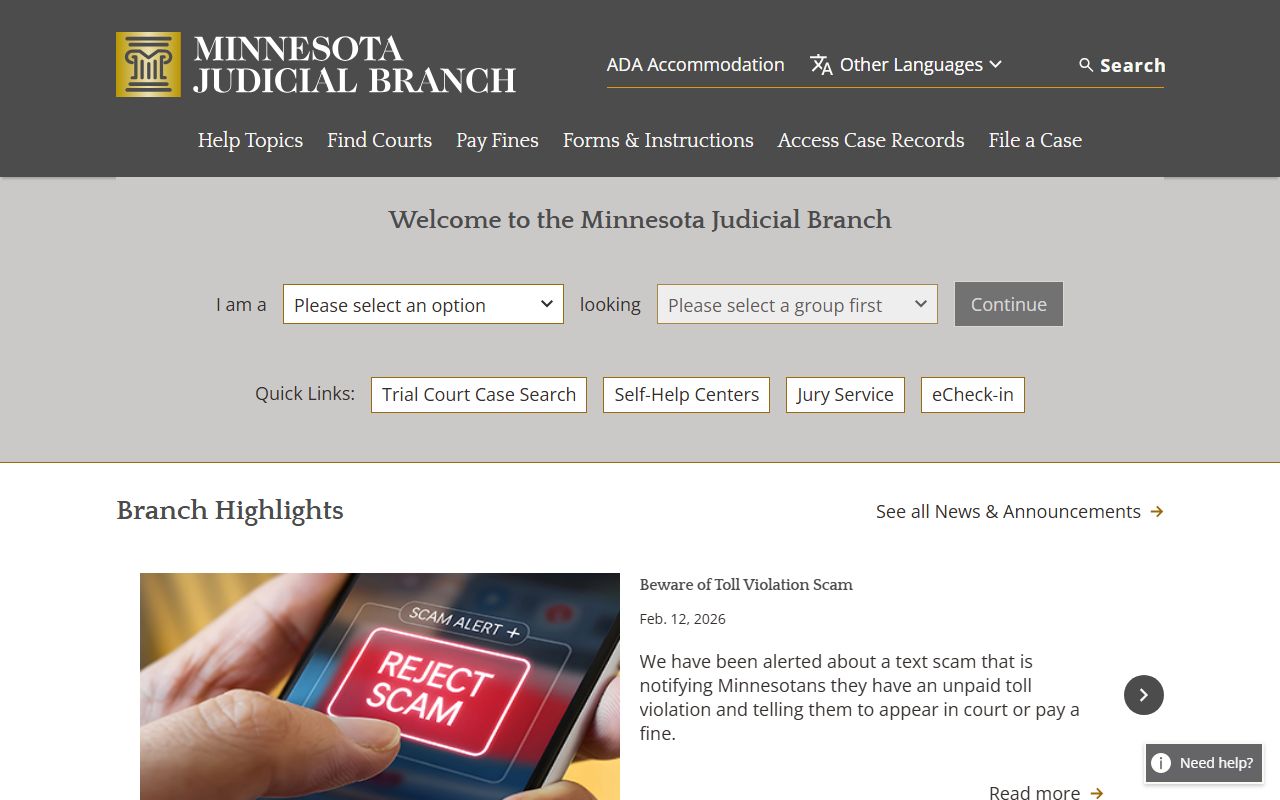
From this page you can reach MCRO, find your local courthouse, check court fees, and access the self-help center directory.
Name searches work best when you enter the last name first. If you are not sure of the spelling, use the wildcard feature. Add an asterisk after at least two letters (for example, "Smi*") to find all names that start that way. The wildcard and "Sounds Like" options cannot be used together. Multiple people may share the same name, so always verify the case details before acting on any result.
Minnesota Court Records Online (MCRO)
MCRO is the primary portal for accessing Minnesota court docket records from home or office. It is free to use and requires no registration. The system covers District Court records from all 87 counties and gives access to civil, criminal, family, and probate cases. Public documents filed on or after July 1, 2015 are available for viewing and download. Older records show docket entries but often lack linked documents.
The MCRO information page explains what the system covers, what is not included, and tips for searching effectively. Read it before your first search.
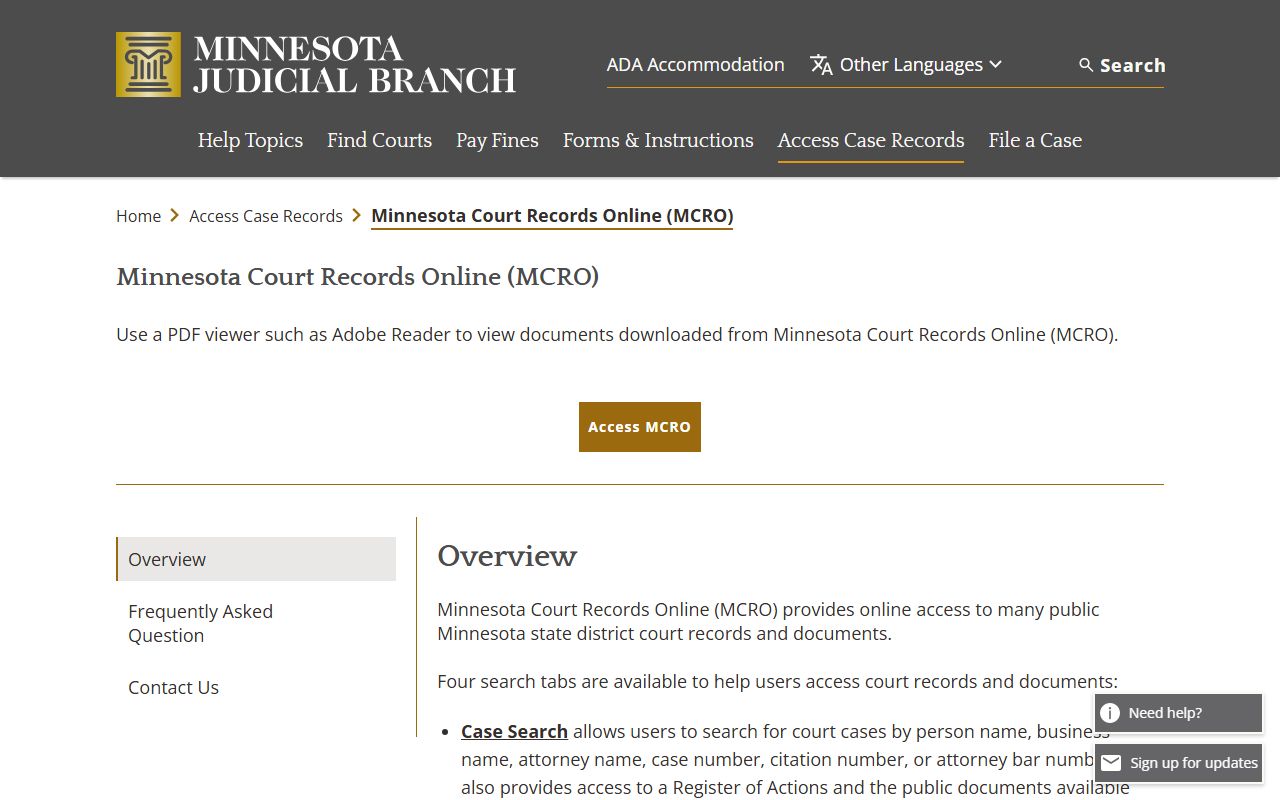
The MCRO info page covers search options, document access rules, what records are excluded, and guidance on how to read docket entries.
The MCRO direct portal gives you access to all four search tools from one dashboard. You can move between Case Search, Document Search, Hearing Search, and Judgment Search without leaving the page.
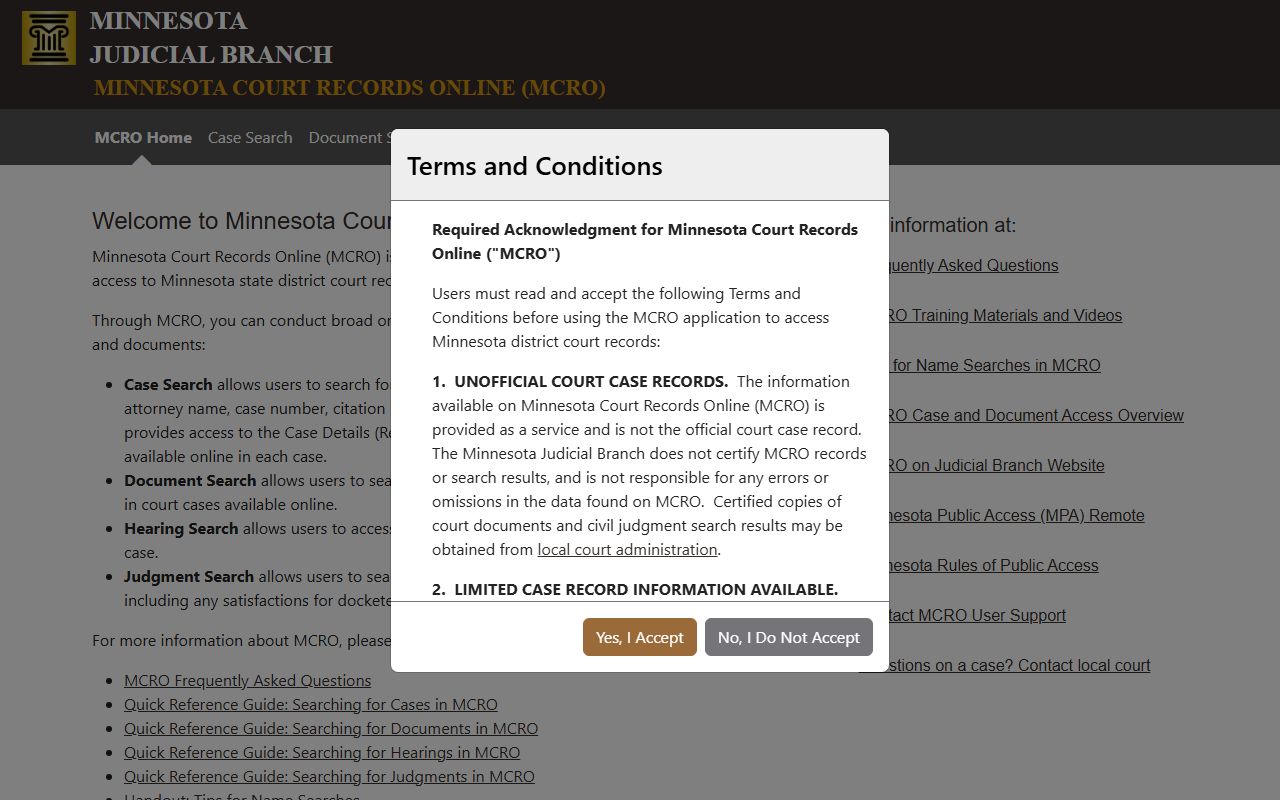
The MCRO portal is the fastest path to any court docket record in Minnesota. Bookmark it for easy access.
Case Search is the most used tool. Enter a person name, business name, attorney, or case number. Results show the register of actions with dates, docket entries, and links to public documents. The Case Search tool works across all 87 counties at once or can be filtered by county or judicial district.
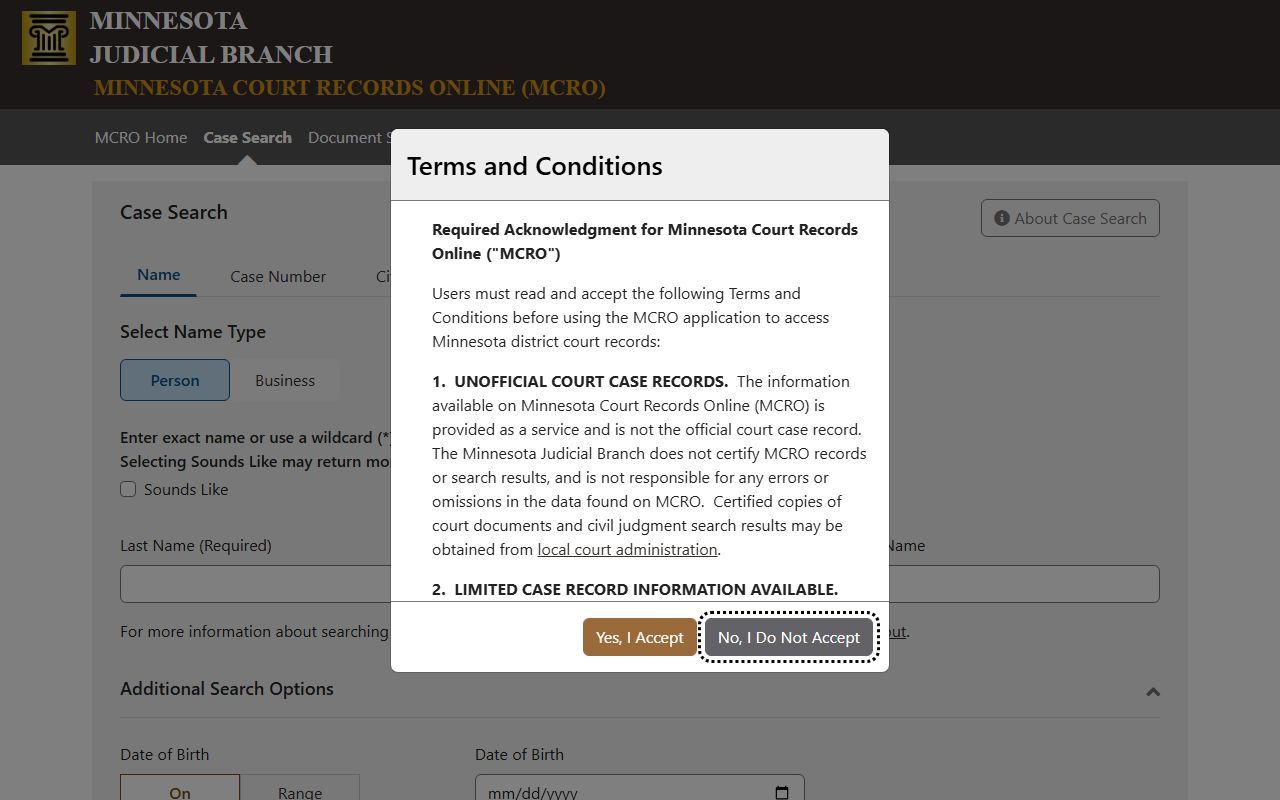
Case Search returns a list of matching cases. Click any result to see the full docket, party names, attorney info, and document links.
Document Search works differently. You search by case number to pull up all public documents in that file. You can view or download PDFs for filings, orders, and court-generated notices. Use Document Search when you already have the case number and want to find a specific document.
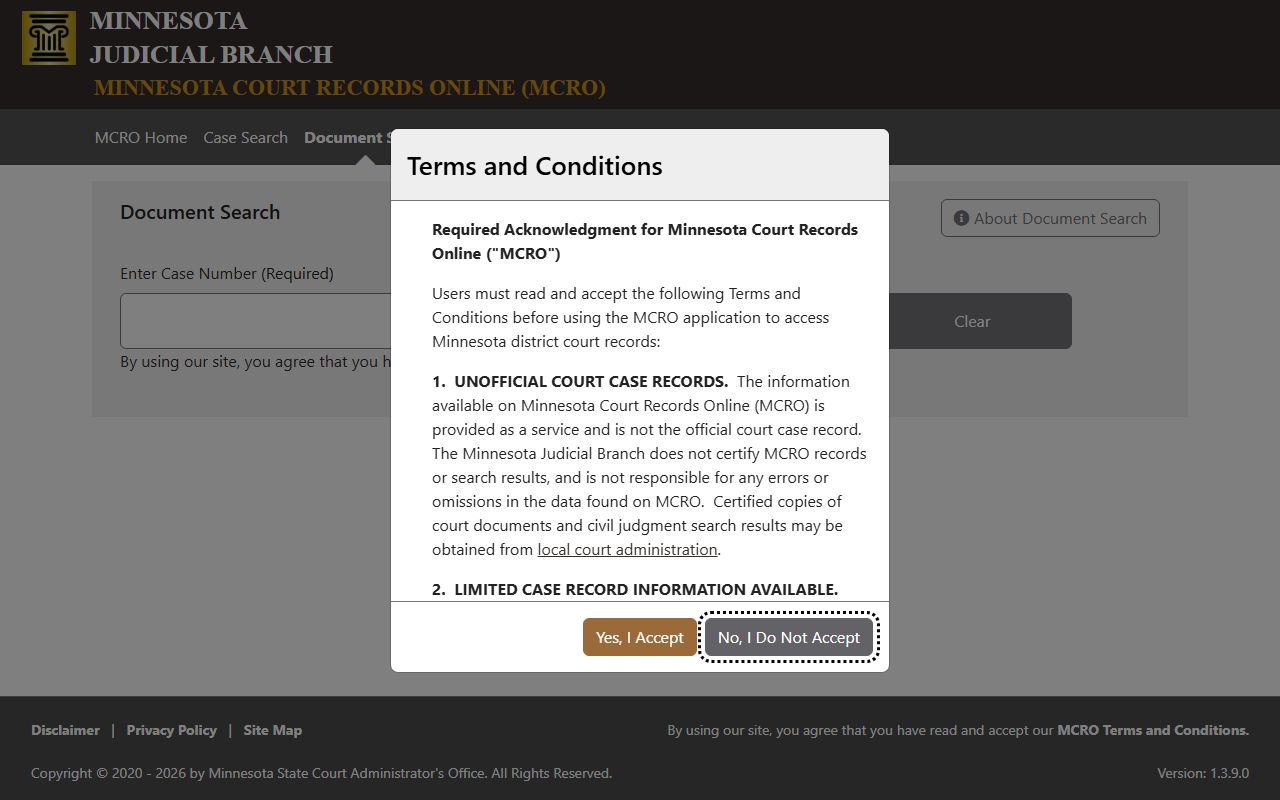
Document Search is the right tool when you need to download a motion, order, or filing from an existing case file.
Court Docket Hearing and Judgment Searches
Hearing Search is the third tool in MCRO. It finds scheduled court dates for any case in Minnesota. You can search by party name, case number, attorney name, or judicial officer. This is useful when you need to know when a case is set for a hearing, pretrial conference, or trial. Results show the date, time, location, and type of court appearance.
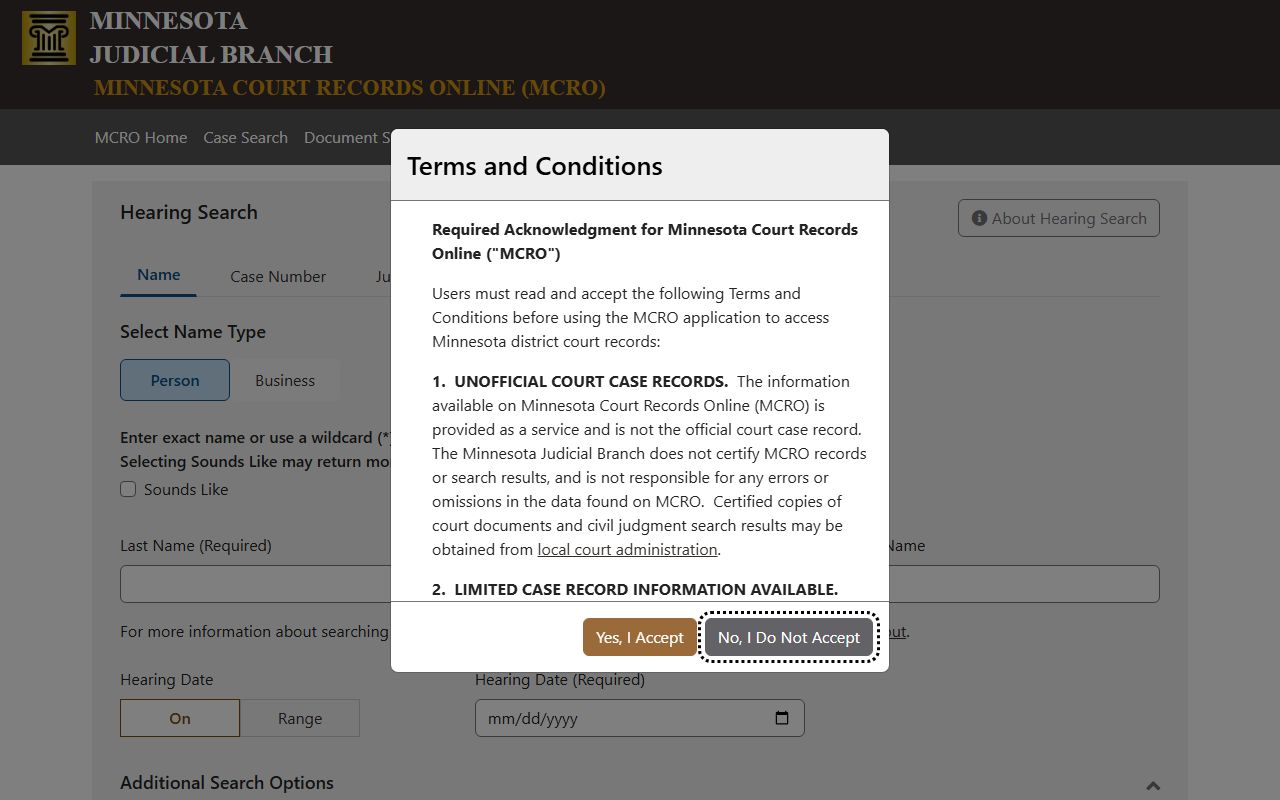
Hearing Search covers all scheduled appearances across Minnesota District Courts. Use it to track future court dates for any active case in the system.
Judgment Search is the fourth tool. It lets you look up money judgments by debtor name. Results show judgment amounts, creditor names, dates, and satisfaction records for docketed judgments. The Judgment Search portal covers money judgments entered in Minnesota courts. A certified judgment search costs $5.00 per name and can be done at any courthouse as well.
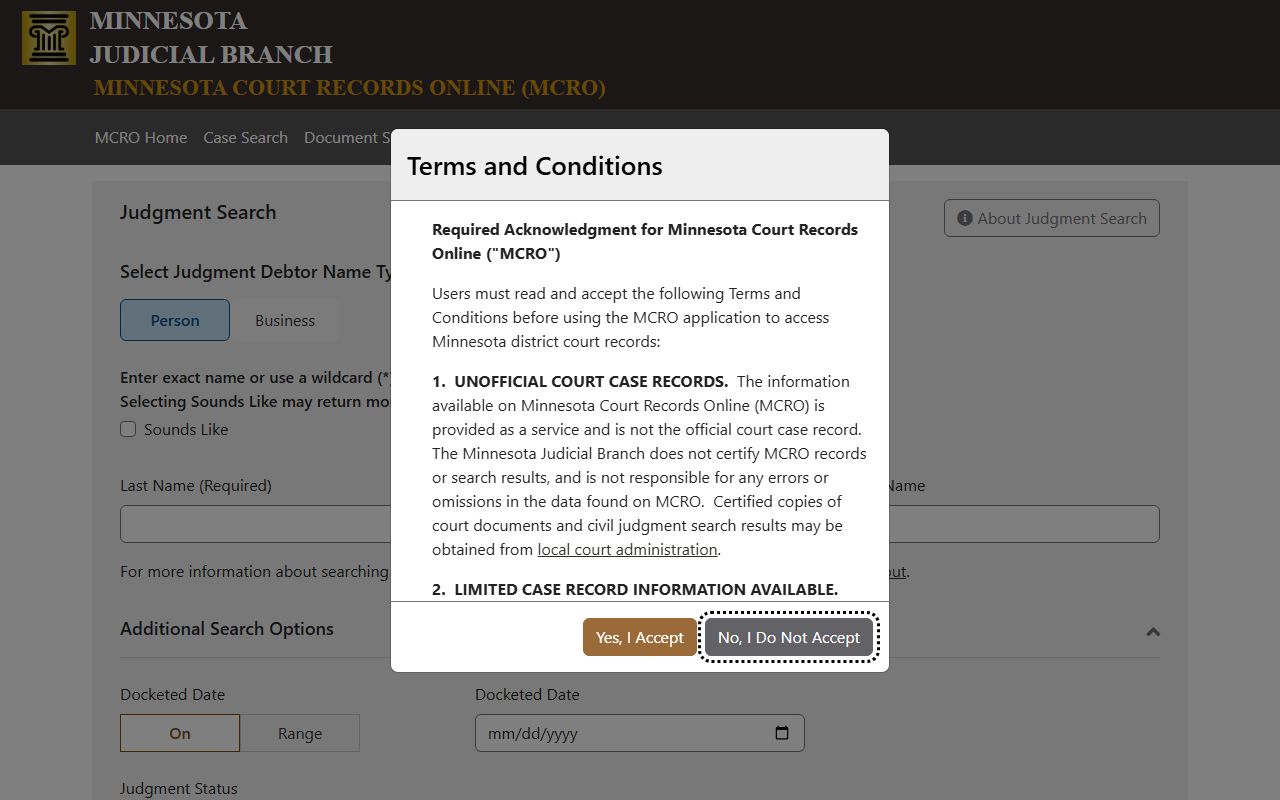
Use Judgment Search to find docketed money judgments against a person or business. Results include satisfaction records where the judgment has been paid.
Records not available through MCRO include search warrants, civil commitment cases, domestic abuse protection orders, harassment restraining orders, and most juvenile cases. Pending criminal and traffic cases without a conviction do not appear in name searches but can be found by case number. Street addresses of parties are never shown. Social security numbers and financial account numbers are redacted throughout the system.
Court Docket Copy Fees in Minnesota
Minnesota changed its court copy fees effective July 1, 2023. Uncertified copies are now free. You can print or download public documents at no cost through MCRO or at courthouse public terminals. The fee changes came from a legislative action that eliminated plain copy charges across the state court system.
Certified copies still cost $14.00 each. An exemplified copy with additional court authentication runs $28.00. Certified judgment searches are $5.00 per name. Copies of court reports cost $5.00 for up to 50 pages and $25.00 per additional 50 pages. Scanning and fax services are $25.00 per 50 pages. These fees are set under Minn. Stat. § 357.31 and apply at all Minnesota District Courts.
The court fees page on the judicial branch site has the full schedule.
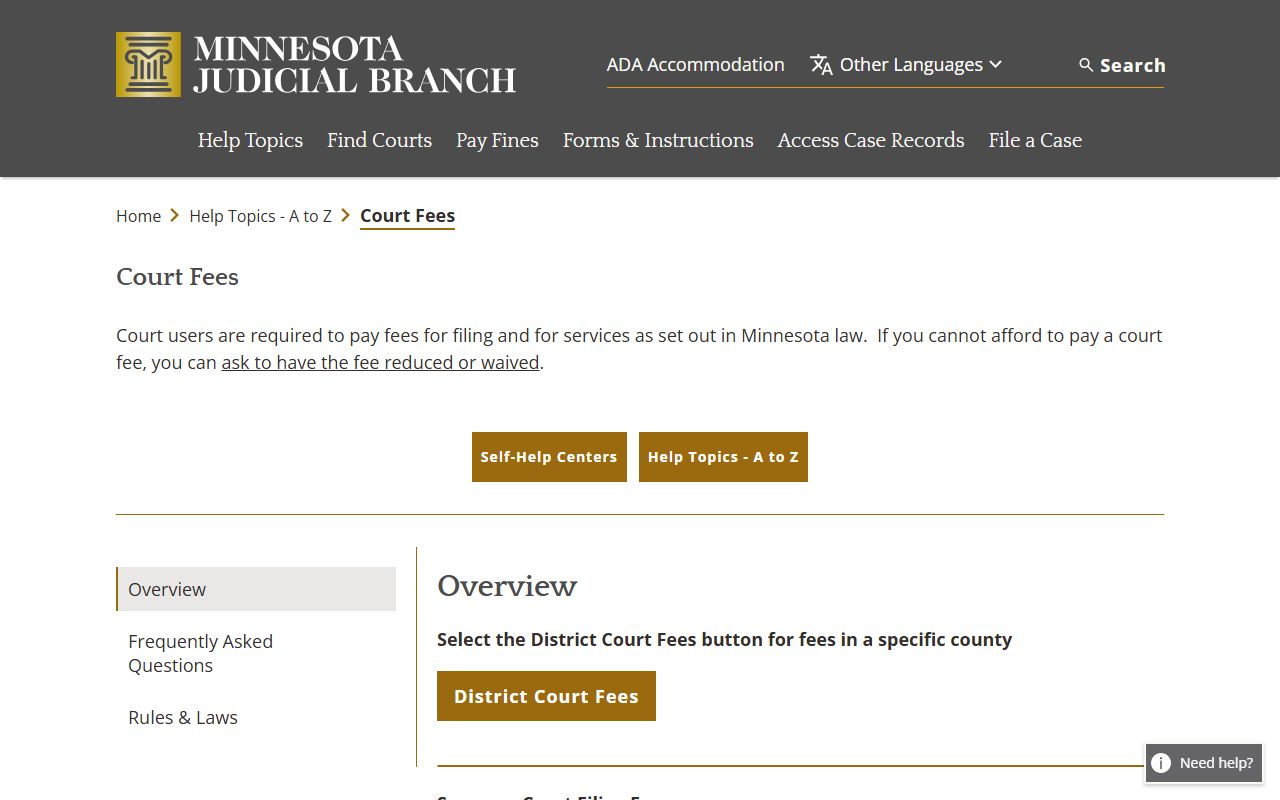
The fees page lists every charge for court services, from copy fees to filing fees. Check it before visiting a courthouse for records.
Public Access at Minnesota Courthouses
Every Minnesota District Courthouse has public computer terminals called MNPAC (Minnesota Public Access Courthouse). These terminals give access to all statewide public case records, not just the local county. The MNPAC terminals also link to public court documents. Use them during regular business hours at no charge.
MNPAC terminals are more complete than the remote MCRO system. They can show certain older records and document types that are not visible online from home. The Minnesota State Law Library at Room G25, Minnesota Judicial Center, 25 Rev. Dr. Martin Luther King Jr. Blvd., St. Paul, also has public access terminals. Call (651) 297-7651 for library hours and services. Staff can assist with legal research and explain how to read court docket entries.
When visiting a courthouse, bring a valid photo ID. Most courthouses require going through security. The Court Administrator's office handles records requests in person and some by mail. Hours are typically Monday through Friday, 8:00 AM to 4:30 PM.
Minnesota Court Record Privacy Rules
Minnesota courts operate under their own records rules. Under Minn. Stat. § 13.90, courts are exempt from the Minnesota Government Data Practices Act. Court records are instead governed by the Rules of Public Access to Records of the Judicial Branch. These rules set out what is public, what is restricted, and how access is provided.
Most civil and criminal case records are public. You do not need to explain why you want to see a court docket. Under Minn. Stat. § 13.84, public court services data includes names, dates of birth, offense details, and case status. Private data includes treatment records, psychological evaluations, and family counseling files. Social security numbers and financial account data are redacted from all public documents.
Expunged records do not appear in MCRO. Under Minn. Stat. § 609A, when a court orders an expungement, the record is removed from the public case system. Juvenile court records are sealed by default and are not available in standard court docket searches. Certain felony cases involving juveniles 16 and older may have limited public information.
Background Checks vs. Minnesota Court Docket Searches
MCRO is not a background check tool. The system says so clearly on its homepage. Court docket name searches return results based on name only, without fingerprint verification. Multiple people in Minnesota can have the same name and birth date, so a name match does not confirm identity. MCRO results are not certified and cannot be used as official background check records.
For an official Minnesota criminal history check, use the BCA Criminal History System, run by the Minnesota Bureau of Criminal Apprehension. The BCA links records through fingerprints, giving a much more accurate and legally reliable result. Contact the BCA at (651) 793-2400 or visit 1430 Maryland Avenue East in St. Paul for requests.
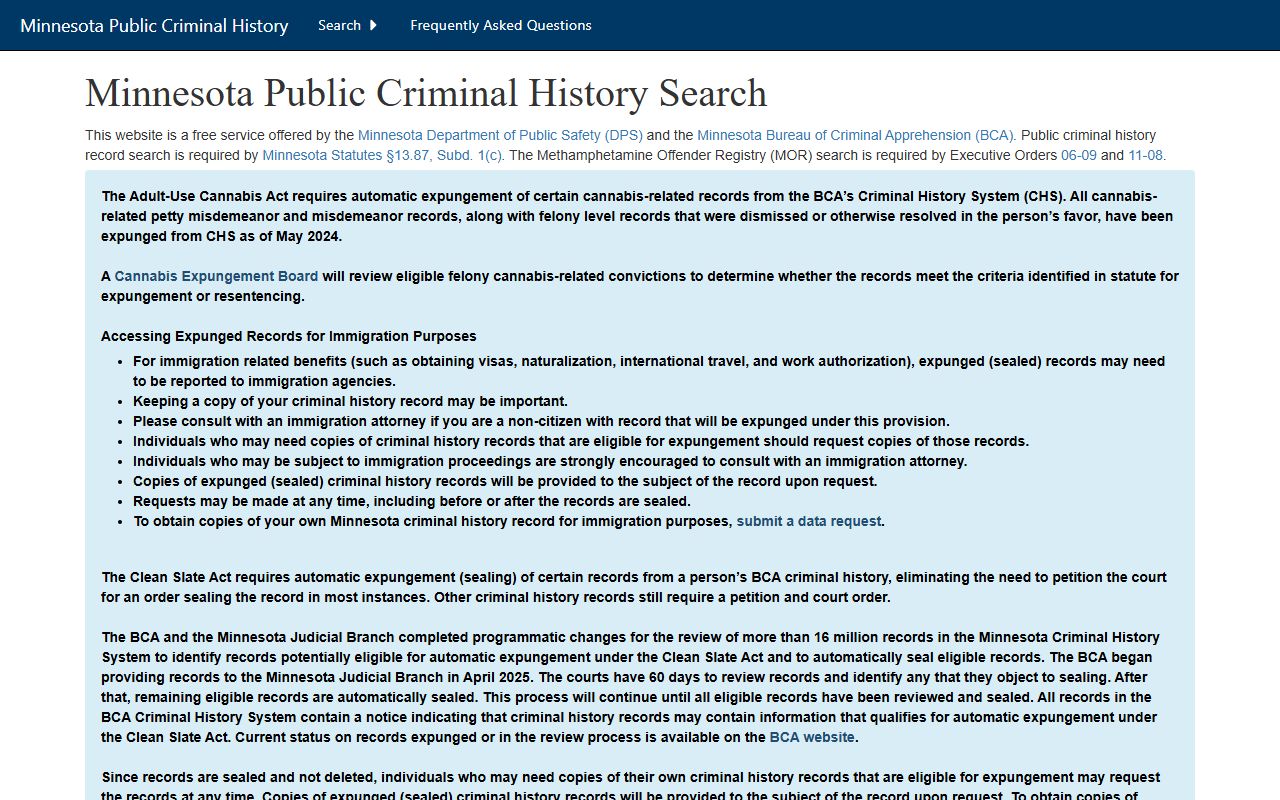
The BCA system is the correct tool for criminal background checks in Minnesota. It is separate from the court docket system and gives fingerprint-verified results.
Self-Help Resources in Minnesota
The Minnesota Judicial Branch runs self-help centers at courthouses across the state. These centers help people navigate court cases on their own. Staff can point you to the right forms, explain how to read a court docket, and describe the steps in different types of cases. They do not give legal advice, but they are a good first stop.
The self-help centers page lists every location, its hours, and what services are available. Most centers have drop-in hours where no appointment is needed.
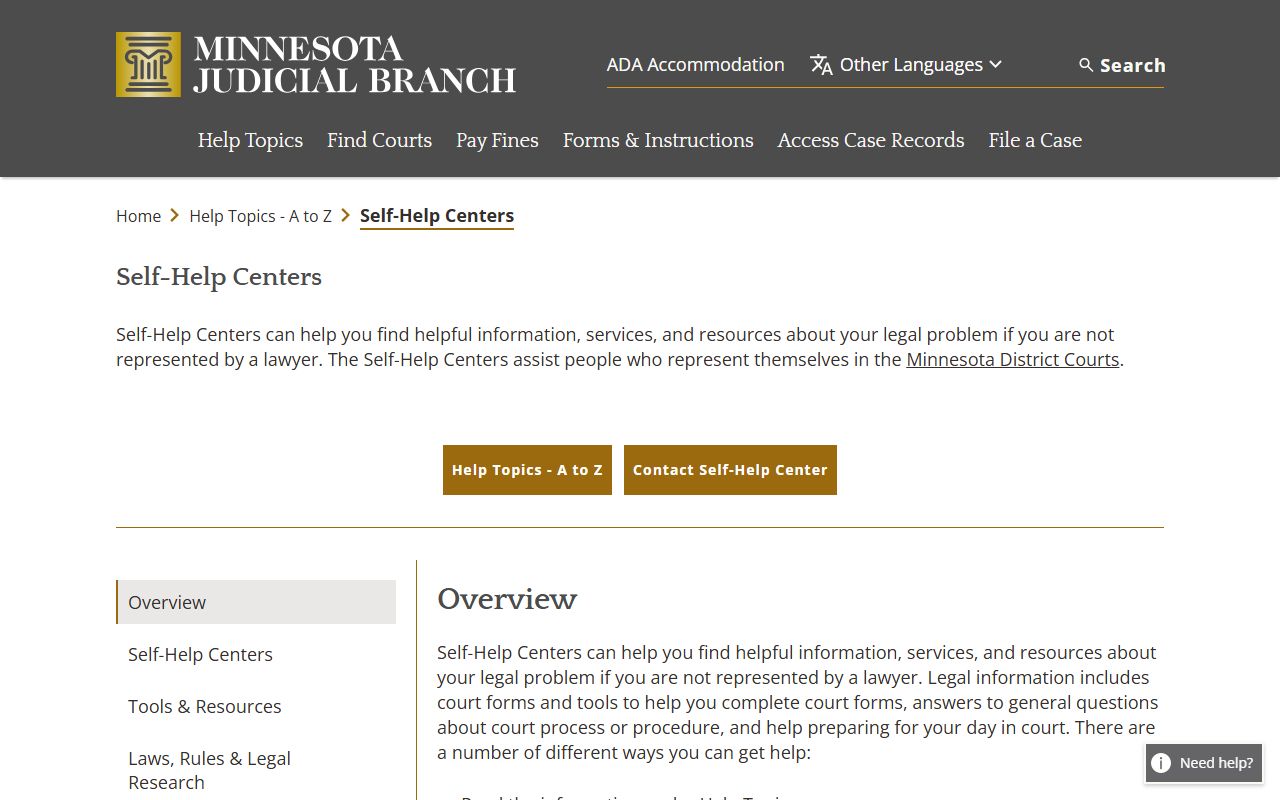
Self-help centers are free and available at most Minnesota courthouses. Find the nearest one using the judicial branch directory.
If you have a fine connected to a court case, pay it online at mncourts.gov/pay-a-fine. You will need the case number from your court docket entry to look it up.
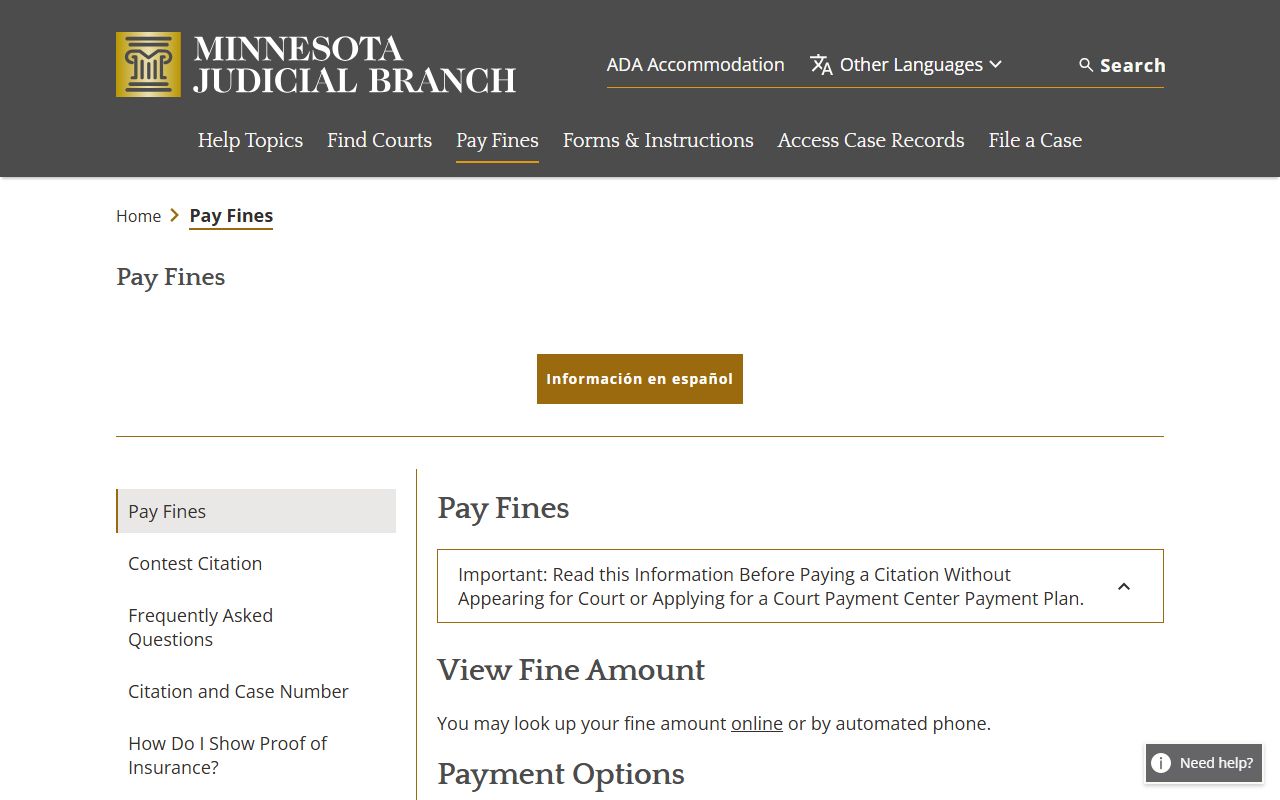
The online fine payment system covers traffic tickets, petty misdemeanor fines, and other small case payments. Your court case number is all you need.
Browse Minnesota Court Dockets by County
Each of Minnesota's 87 counties has its own District Court. Select a county to find local court contact info, addresses, hours, and resources for court docket records in that area.
View All 87 Minnesota Counties
Court Docket Records in Major Minnesota Cities
Minnesota cities file court cases at the District Court in their county. Pick a city to find the right courthouse and learn how to search court docket records for cases in that area.